A hive of agents right in your browser.
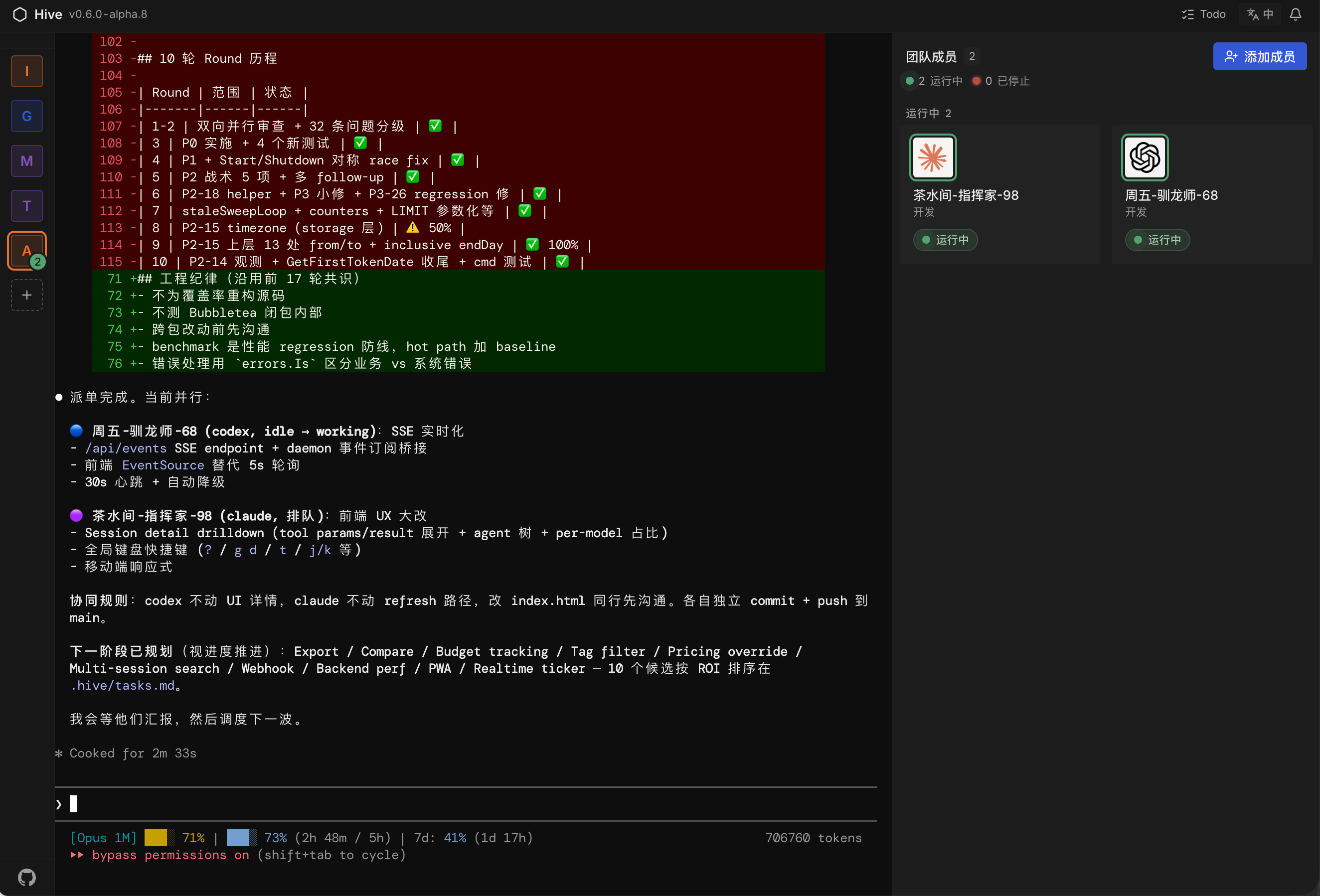
A team of CLI agents living on your laptop. One orchestrates, the rest do the work. Writing code, doing research, drafting stories, cutting video — anything that runs in a CLI, a hive can do together.
Three ways to split
No hero in the hive.
No single agent finishes the whole project. Each plays the part it does best. Three patterns we see all the time.
-

Pattern · 01
Write + review
Claude writes. Codex reviews, flags the bugs, sends notes back. Claude takes a second pass. Two vendors checking each other — you review the final diff.
-

Pattern · 02
Test + fix
Gemini drafts the tests and runs them. When something turns red, the orchestrator hands it to Claude to fix. You decide when it's actually green.
-

Pattern · 03
Beyond code
Cast any team. Researcher, novelist, video editor, debate partner — give each agent a role and let the orchestrator dispatch.
The lineup
Who's already in the hive.
Seven CLIs are built in — and that's just the start. Any CLI that runs on your laptop runs here too. No new accounts, no new keys.




Three commands to build one
v1.0.0 ·published today ·1,103 downloads this week
Solo-built by @tt-a1i · BSL 1.1 · Node ≥ 22